AI automation for Indian businesses: where it pays off
A practical guide for Indian founders and operations leads: which processes are worth automating with AI, which are not, how to scope a first project, keep data safe and keep a person in the loop.
 Divyansh Shukla
7 min read
Most conversations about AI automation start with the tool. The useful ones start with a process: a job someone in your business does every day, by hand, that is slow, repetitive and easy to check. If you can name that job, AI may help. If you cannot, no model will.
This guide is for owners and operations leads at small and mid-sized businesses in India: clinics, academies, colleges, agencies, distributors, service firms. It covers where AI tends to pay for itself, where it tends not to, and how to scope a first project so you find out cheaply.
What "AI automation" means in practice
For a business of 10 to 500 people, AI automation is rarely a robot that runs a department. It is usually one narrow step inside an existing process:
- Reading something messy (a scanned form, a PDF, a photo, an email) and turning it into structured fields.
- Drafting something a person then checks (a reply, a summary, a set of questions, a report).
- Sorting incoming work (which enquiry is urgent, which document is incomplete, which ticket goes to which team).
- Checking something against a rule or a record (does this invoice match the purchase order, does this certificate match the issuer's register).
Everything around that step, the forms, the database, the dashboard, the notifications, is ordinary software. In our experience that ordinary software is most of the work, and most of what decides whether the AI part is useful.
Where it pays off
AI earns its place when four things are true at once.
- The volume is real. The task happens tens or hundreds of times a week, not twice a month.
- The input is unstructured. If your data is already in clean rows, you need a report or a rule, not a model.
- A wrong answer is cheap to catch. A person can check the output in seconds, or a later step will catch it.
- The rules are stable. The thing being judged does not change shape every month.
Some processes where those conditions often hold:
| Process | What the AI does | What a person still does |
|---|---|---|
| Admissions or onboarding documents | Reads marksheets, IDs and forms into fields; flags mismatches | Approves borderline cases |
| Enquiry handling (WhatsApp, email, web forms) | Classifies intent, drafts a first reply, routes to the right person | Sends or edits the reply |
| Teaching and training material | Drafts quiz questions or summaries from notes | Reviews and edits before use |
| Invoices and purchase documents | Extracts line items and totals, matches against orders | Resolves exceptions |
| Internal reporting | Summarises a week of tickets, calls or feedback | Decides what to act on |
Two examples we have built
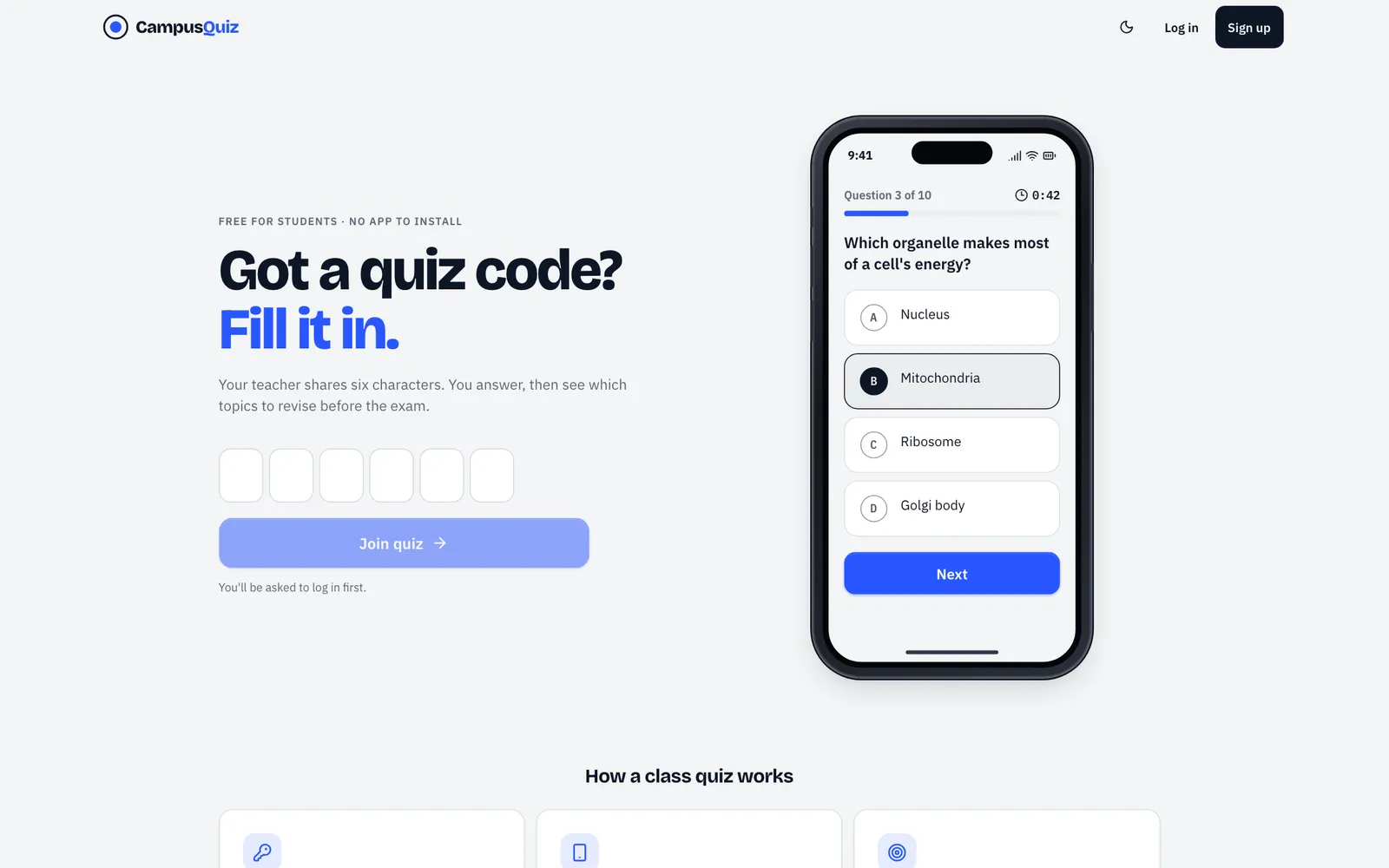
CampusQuiz (campusquiz.in) does one thing with AI: it turns a teacher's class notes, a PDF or a photo of the board into a draft quiz. Everything else is conventional software. Students join with a six-character code and nothing to install; a live board shows the teacher who has submitted, per-question accuracy and the weakest topics; each student's dashboard tracks the concepts they keep missing. The AI step is narrow, and the teacher stays in charge of it: questions appear in an editor as they are drafted, and the teacher can add, edit, delete or reorder them before publishing.
Saakshya (saakshya.divyanshshukla.com), built with Team Saakshya at the SISTec Innovation Hackathon 2026, reads a marksheet, degree or PAN card, audits it for signs of tampering and checks it against the issuer's register. It does not return a yes or no. It returns a graded verdict from L3 Proven to L0 Rejected, and in its code, a borderline tamper score or a single mismatch on a field that OCR often garbles (a year, a course name) sets a flag that sends the case to an officer instead of deciding it automatically. We wrote up how Saakshya works in a separate post.
Both are examples of the same pattern: AI applied to one step, with the rest of the system built so that a person can see and correct what it did.
Where it does not pay off
Be wary of AI automation when:
- The process is rare. Automating a task that takes an hour a month rarely repays the build and the upkeep.
- Errors are expensive and hard to see. If a wrong output can reach a patient, a payment or a legal filing without anyone noticing, you need a different design, or no AI at all.
- The real problem is missing data. If records are scattered across notebooks and personal phones, the first project is getting them into one system. AI on top of chaos produces confident chaos.
- A rule would do. "If the amount is over ₹50,000, send it to the manager" is a rule. It does not need a model, and a model will be slower, costlier and less predictable.
- Nobody owns the output. If no one is responsible for checking and acting on what the system produces, it will be ignored within a month.
A good test: describe the task to a capable new hire in one paragraph. If you can, and they could check their own work, it is a candidate. If the description keeps growing exceptions, start by fixing the process.
How to scope a first project
A first AI project should be small enough to finish in weeks, not quarters, and measurable enough that you know whether it worked. We use the same sequence on every engagement: understand, define, design, build, launch, evolve. For AI work, the first two steps carry most of the weight.
1. Pick one process and measure it today
Write down how often it happens, how long it takes, who does it and how often it goes wrong. Without a baseline, you cannot tell whether the new version is better.
2. Collect real examples
Gather 30 to 100 real inputs: actual scanned forms, actual enquiries, actual notes. Include the ugly ones. Most of the risk in an AI project sits in the inputs nobody thought about.
3. Decide what "good enough" means
For each output, decide what a person will check and what happens when the system is unsure. "The model is 90% right" is not a specification. "Anything below this confidence goes to a human queue" is.
4. Build the thinnest working version
One input channel, one output, one review screen. Run it alongside the current process before replacing anything.
5. Review the misses, then widen
Look at every case where the system was wrong or unsure. That list tells you whether to widen the scope, change the design or stop.
Data safety
Most useful business data is personal data: names, phone numbers, marks, health details, ID numbers. India's Digital Personal Data Protection Act, 2023 applies to it, and your customers expect care whether or not they know the law. Some practical rules:
- Send the model only what it needs. If the task is to classify an enquiry, it does not need the customer's phone number.
- Know where your data goes. Find out which provider processes it, in which region, and whether they keep or train on it. Choose providers and settings accordingly.
- Keep identifiers out of logs. Prompt and response logs are useful for debugging and dangerous if they hold raw personal data.
- Store less. Saakshya, for example, writes only salted hashes to its ledger; the document image and the extracted personal data stay off it. The Shining 32 Dental Clinic's appointment form, a non-AI example, sends a structured WhatsApp message to the clinic and stores nothing on the website at all.
- Restrict access by role. The people who review AI output should see what they need for that review and no more.
None of this needs a large budget. It needs someone to decide it at the design stage instead of after launch.
Keep a human in the loop, on purpose
"Human in the loop" is often a phrase added to reassure people. It works only when it is designed in:
- The system says how sure it is, and low-confidence cases go to a named person or queue.
- The reviewer sees why the system reached its answer: the extracted fields, the mismatched value, the highlighted region.
- Corrections are recorded, so you can see where the system is weak and improve it.
- There is a way to switch the AI step off and keep working by hand if a provider fails or a model changes.
The aim is not to remove people. It is to move them from typing and copying to checking and deciding.
If you want a second opinion on a process you are thinking of automating, we are happy to look at it with you and tell you honestly whether AI is the right tool. You can read more about our AI automation work, see past projects, or get in touch.