How Saakshya verifies a marksheet in ten seconds
A look inside Saakshya, a document verification system built at the SISTec Innovation Hackathon 2026: OCR and tamper audit, issuer register checks, a Merkle-batched ledger, Ed25519-signed credentials and a QR code that verifies offline.
 Divyansh Shukla
7 min read
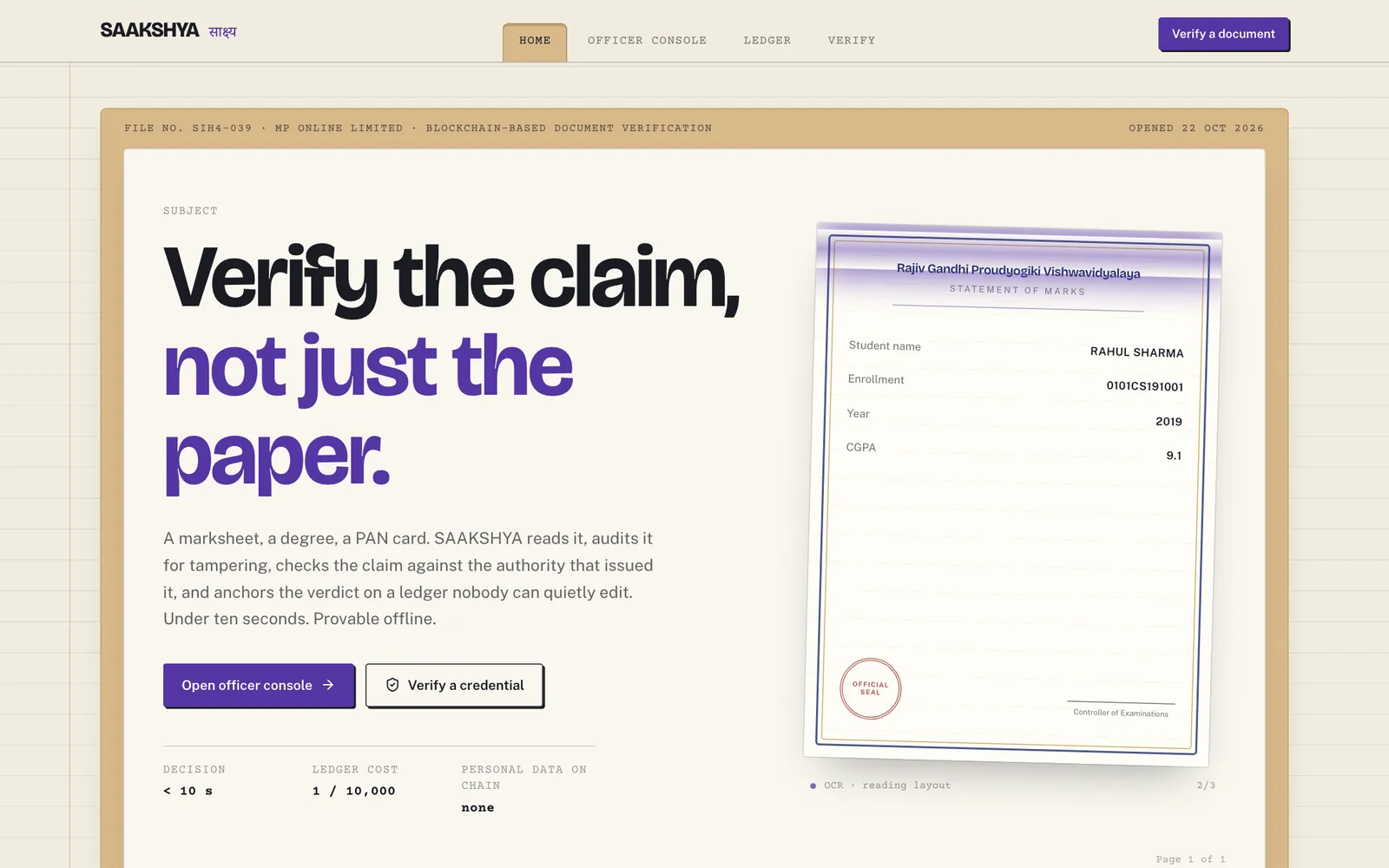
Verifying a marksheet or degree is often manual: someone looks at a copy, perhaps calls the university, and decides. It is slow, and a well-edited scan can get through.
Saakshya ("evidence" in Hindi) is a system that takes a marksheet, degree or PAN card, reads and audits it, checks it against the issuer's register, anchors a salted hash in a Merkle-batched ledger and returns a signed credential with a QR code that verifies offline. It returns a decision in under ten seconds, as a graded verdict from L3 Proven to L0 Rejected. It was built with Team Saakshya at the SISTec Innovation Hackathon 2026, and the source is public.
This post walks through each step and the reasoning behind it.
The pipeline at a glance
- Ingest the upload, an image or a PDF.
- Read it with OCR and extract fields: name, roll number, issuer, year, CGPA, PAN.
- Audit the file for tampering across five forensic signal families, and check for AI-generation markers.
- Cross-check the extracted fields against the issuing authority's register, and check for a DigiLocker signature.
- Decide a trust level, a confidence and whether a person needs to review it.
- Anchor a salted hash of the result in the ledger.
- Issue an Ed25519-signed credential and a QR code.
The backend is FastAPI; the front end is SvelteKit. The API reports how long each stage took.
Step 1: Reading the document
Saakshya uses RapidOCR, which runs on ONNX Runtime and does not need a GPU or a call to an external service. The OCR engine is loaded when the server starts, so the first upload does not pay for it.
The reader does more than produce text. It returns each extracted field with its bounding box on the page, so the officer console can highlight exactly where the name or CGPA was read. When a verdict depends on a field, the reviewer can see the evidence for it.
Why this choice: document images contain personal data. An OCR engine that runs inside the system keeps the document off third-party AI services, and it is fast enough on ordinary hardware.
Step 2: Auditing for tampering
Edited documents usually leave traces. Saakshya scores five families of signals:
| Signal | What it looks for |
|---|---|
| Error level analysis | Regions that compress differently from the rest of the image, a common sign of pasted or edited areas |
| Noise residual | Inconsistent sensor or scan noise across the page |
| Copy-move | Areas duplicated from elsewhere in the same image |
| Metadata and PDF structure | Image or PDF editors named in the file's metadata, and a PDF modified after it was created |
| Template and font consistency | Text on the same line at uneven sizes, and an issuer's name printed outside the header where it belongs |
These are weighted into a single tamper score between 0 and 1, with error level analysis counting most, and the result comes with a heatmap and boxes around suspicious regions.
Separately, Saakshya checks the file for markers that it was generated by AI: content credentials (C2PA) and IPTC tags that image models write into files, generator metadata in PNG files, and software tags that name a generator. This is a hard flag, not part of the score. An official record is never AI-generated, so a positive result forces L0 Rejected. The code is candid that a negative result proves nothing: a screenshot strips metadata, and some generators leave no trace.
Step 3: Checking the issuer's register
A clean-looking document can still be false. The strongest evidence is whether the issuer's own records agree. Saakshya compares the extracted fields with the issuer's register and reports which fields matched and which did not, showing the document's value next to the register's.
It also checks whether a PDF is digitally signed, as documents issued through DigiLocker are. An issuer's signature is the strongest evidence available, because it comes from the issuer itself.
In the hackathon build, the registers for RGPV, MPBSE and PAN are seeded sample registers, generated for the demonstration, and the signature check looks for a signature in the PDF rather than validating it against the issuer's certificate. In a real deployment this step would connect to the issuers' actual records and validate signatures fully.
Step 4: A graded verdict, not a yes or no
A yes-or-no answer hides the difference between "the university confirms this" and "nothing looks wrong, but we could not check". Saakshya gives one of four levels:
| Level | Meaning | When it is given |
|---|---|---|
| L3 Proven | Issuer-signed | DigiLocker-signed and a low tamper score |
| L2 Confirmed | Matches the official register | Register match and a low tamper score |
| L1 Plausible | Clean, but no register to check | No strong tamper signs and no mismatch |
| L0 Rejected | Evidence of tampering | High tamper score, a register mismatch or AI-generation markers |
Each verdict comes with a confidence. Some cases are sent to a person instead of being decided automatically: a tamper score in the uncertain middle band, or a single mismatch on a field that OCR often misreads, such as a year, a course name or a date of birth. Those are flagged for officer review.
Why this choice: an honest system says how sure it is. The graded levels let an institution set its own policy, for example accepting L2 and above automatically and reviewing L1.
Step 5: Anchoring a salted hash in a ledger
Once a verdict exists, it needs to be tamper-evident: nobody should be able to change it later without that being visible.
Saakshya generates a random salt for each verification and computes a SHA-256 hash of the salt, the document's content hash and the verdict. Only that hash goes into the ledger. Hashes are grouped into blocks; each block stores the Merkle root of its hashes and the hash of the previous block, forming a chain. Anyone can recompute the chain to check that no block was altered, and each verification comes with a Merkle inclusion proof showing its hash is in its block.
Why a salt: marksheet fields are guessable. Without a salt, someone could hash likely combinations of names and roll numbers and look for matches. A random salt per record, kept off the ledger, prevents that.
What stays off the ledger: the document image, the extracted personal data, the salts and the keys. The ledger holds hashes and Merkle roots; the verdict is folded into each hash rather than written out. A revocation is itself a hashed entry, so the chain never carries a readable identifier.
Why batching: a Merkle tree lets one root stand for many records, so anchoring cost does not grow with every document. The server collects pending hashes and seals them into blocks every two seconds. For the demonstration, each upload is sealed straight away so the response can include its proof.
In the hackathon build the ledger is a hash chain inside the application, with the same data model as the Hyperledger Fabric chaincode designed for a production deployment.
Step 6: A credential that verifies offline
The final output is a compact credential signed with Ed25519, a modern signature scheme with small keys and fast verification. It records the trust level, document type, issuer, content hash, a few claims such as name and year, and the ledger block it was anchored in. It is valid for one year.
The QR code holds a link containing the whole credential. Scan it, and the public verifier page checks the signature in the browser using the WebCrypto API and the issuer's public key. The key is cached after the first visit, and the verifier is an installable app, so a signature can be checked with no connection. Where a browser does not yet support Ed25519 in WebCrypto, the page falls back to checking with the server. With a connection, the verifier also confirms the record is anchored in the ledger and has not been revoked.
Why offline: documents are often checked where connectivity is poor, at a counter, in a rural office, at an event. A signature that verifies locally means the check does not depend on the network or on Saakshya's server being reachable.
What this shows
Saakshya is a hackathon project, and its registers and ledger are demonstration versions. The design choices carry over to any verification or compliance workflow:
- Read locally when documents hold personal data.
- Give graded answers and say how confident the system is.
- Send uncertain cases to a person and show them the evidence.
- Store hashes, not data, where tamper evidence is the goal.
- Sign what you issue so others can check it without asking you.
If you are working on document verification, onboarding checks or any process where trust has to be shown rather than assumed, we would be glad to discuss it. Read more about our AI automation work, see other projects, or get in touch.