Custom website or no-code? A guide for clinics
An honest decision guide for clinic and academy owners choosing between a template, a no-code builder and a custom website with bookings, an admin CMS and a member area, with real examples from Indore and Bhopal.
 Divyansh Shukla
7 min read
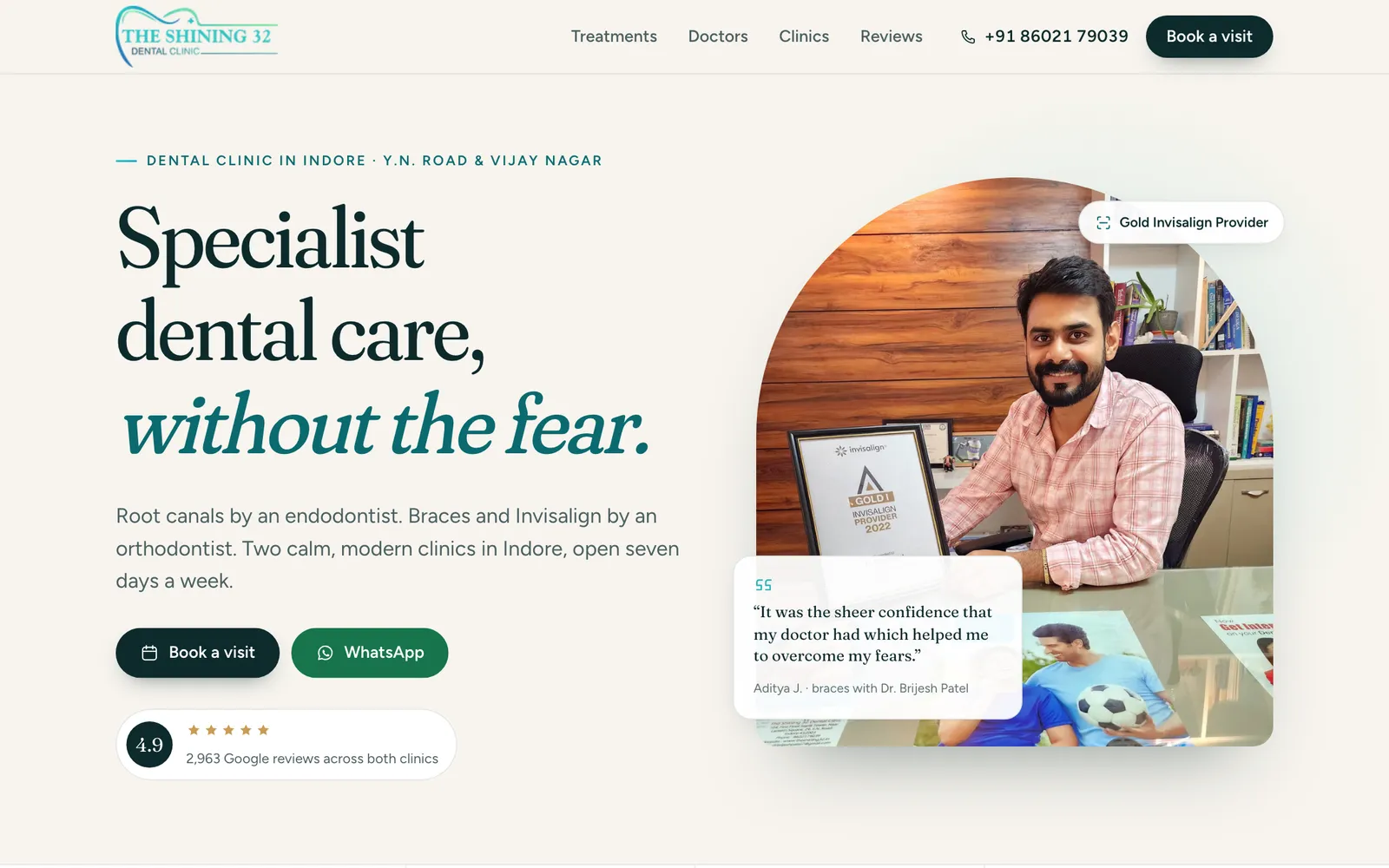
If you run a dental clinic, a music academy, a coaching centre or a café, you will be offered two kinds of website. One is a template or a no-code builder: quick, cheap to start, and yours by the weekend. The other is a custom build: designed for your business, with the bookings, admin and member features you need, and a higher upfront cost.
Neither is right for everyone. This guide sets out how to decide, using three projects we have built: The Shining 32 Dental Clinic and Aawaz Academy of Music in Indore, and Café Latté in Bhopal.
Start with what the website has to do
Before comparing options, write down the jobs the website does for your business. For most clinics and academies, they fall into three tiers.
- Be found and trusted. Show who you are, what you offer, where you are, when you are open and what others say about you.
- Turn interest into a booking. Let a patient request an appointment, or a parent book a trial class, without phoning during working hours.
- Run part of the business. Manage batches, attendance, enquiries, student accounts or staff roles.
The further down that list your needs go, the stronger the case for custom work.
When a template or no-code builder is the right choice
Be honest with yourself here. A template is often the better answer when:
- You need tier one only: a few pages, your details and a contact button.
- You are testing a new business and do not yet know what customers will ask for.
- Nobody on your side will keep the content up to date anyway, so a richer site would go stale.
- Your budget is better spent elsewhere this year.
A good template, well written and with real photos, beats a custom site with placeholder text. If that is where you are, start there.
Where templates start to cost you
The trade-offs appear as your needs grow.
| Concern | Template or no-code builder | Custom build |
|---|---|---|
| Upfront cost | Low | Higher |
| Ongoing cost | Monthly subscription, often per feature or per seat | Hosting and maintenance you choose |
| Speed to launch | Days | Weeks |
| Fit to your process | You adapt to the tool | The tool fits your process |
| Content editing | Usually easy, inside the builder | As easy as it is designed to be |
| Data ownership | Lives on the vendor's platform | In your database |
| Leaving | Rebuild, or export what the vendor allows | You keep the code and the data |
| Performance and SEO control | Limited to what the platform exposes | Full control |
The main hidden cost is not the subscription. It is fitting your business around someone else's idea of how a clinic or academy works.
Three real examples
The Shining 32 Dental Clinic: an admin CMS the clinic team runs
The Shining 32 has two clinics in Indore. The website covers treatments, doctors, clinics and reviews, and lets patients request appointments online.
The decision that mattered most was who keeps the site current. Treatments change, doctors join, photos go out of date. So the site has an admin-only CMS where the clinic team can edit all the text, add or remove treatments, doctors, reviews and FAQs, and replace photos or manage the galleries, without a developer. Every content save keeps the previous version and can be restored, so a mistake is never permanent. Pages are rendered on each request, so an edit goes live straight away.
Bookings were designed around how the clinic already works. Patients choose a clinic, a treatment and a preferred time, and the form opens WhatsApp with a structured appointment request addressed to the clinic. The team replies to confirm. Nothing is stored on the website, which means no database of patient details to protect, and no third-party booking platform between the clinic and its patients.
Behind the scenes it is built with Astro and PostgreSQL, and photos are re-encoded automatically to modern formats (AVIF and WebP) at several sizes, so pages stay quick on phones.
Aawaz Academy of Music: a member area and a staff console
Aawaz Academy teaches guitar, piano and keyboard, vocals, harmonium and ukulele, in batches at its Indore studio and online. Its website does all three tiers: courses and batches for visitors, trial-class booking, a member area for students and a console for staff.
This is where a template would have struggled. The academy needed roles that match how it is actually run:
| Role | What they can do |
|---|---|
| Student or parent | Onboarding, manage learners, request batches, see classes, attendance and announcements, ask for support |
| Teacher | Their own batches: attendance register and announcements |
| Support | Enquiries and trial bookings, the online-batch request queue, tickets and enrolments |
| Admin | Courses, batches, users and website content |
| Owner | Everything, including custom roles and permissions |
A parent with two children studying at the academy manages both from one account. A teacher sees their own batches and no one else's. Trial bookings land in the support team's queue, not an inbox. Students and staff sign in with Google. It is built with SvelteKit and PostgreSQL, and every page and action checks permissions on the server.
Café Latté: a table-side app that works offline
Café Latté in Bhopal needed something different: a menu by section with prices, places to sit, hours and directions, and a table-side app guests can install on their phones.
Café Wi-Fi and mobile signal are not always reliable, so the app is built to keep working offline. The site is prerendered, the app shell and pages are cached on the phone, and pages load from the network first for fresh prices but fall back to the cached copy if the connection is down or slow. A guest's tray of chosen dishes is saved on their device, so a dropped connection does not lose it. Staff print table cards with QR codes from a dedicated page.
A no-code builder can produce a nice menu page. It is much harder to make it behave like an app when the signal drops.
The questions to ask before you choose
- What happens after someone clicks "Book"? Trace the path from the visitor's tap to a confirmed slot. If it involves copying details between three apps, that is a cost.
- Who will update the site, and how often? If it is your front desk, the editing has to be simpler than the builder you are comparing against.
- Whose data is it? Patient details, student records and enquiries should live where you control them, or, as at The Shining 32, not be stored at all.
- What does it cost over three years? Add up subscriptions, add-ons and the staff time spent on workarounds, not just the launch price.
- What if you want to leave? Ask whether you can take your content and data with you, in what form.
- Who maintains it? A custom site needs someone accountable for updates, security and backups. Ask who that is and what it costs before you sign.
Ownership and maintenance, plainly
A custom build is not "build once and forget". It needs hosting, monitoring, security updates and occasional changes as the business evolves. The upside is that those costs pay for software that fits you and that you own. The downside is that you need a team you trust to look after it.
Before you sign with anyone, including us, agree in writing who owns the code, the content and the data. Then look for the things that keep long-term costs down: content your own team can edit, updates that go out without taking the site offline (The Shining 32's deploys, for example, wait for a health check before switching over), and written records of why things were built the way they were, so the next person to work on the site can pick it up.
So which should you choose?
- One clinic or academy, mainly needing to be found: a good template, written well.
- Bookings and regular content changes: a custom site with a simple admin, or a builder if its booking flow genuinely fits.
- Members, staff roles, batches, attendance or offline use: custom is usually the better long-term choice.
If you are weighing these options for your clinic, academy or café, we are happy to look at what you have and tell you which route makes sense, including when that route is a template. See our web and software work, our product design approach, past projects, or get in touch.